Introduction
Webhooks can be triggered by configuring the webhook destination in the system. The webhook destination can be configured to send data to any http endpoint. Both POST and GET endpoints are supported. The document describes the configuration and the format of the payload sent to the endpoint.Webhook Configuration
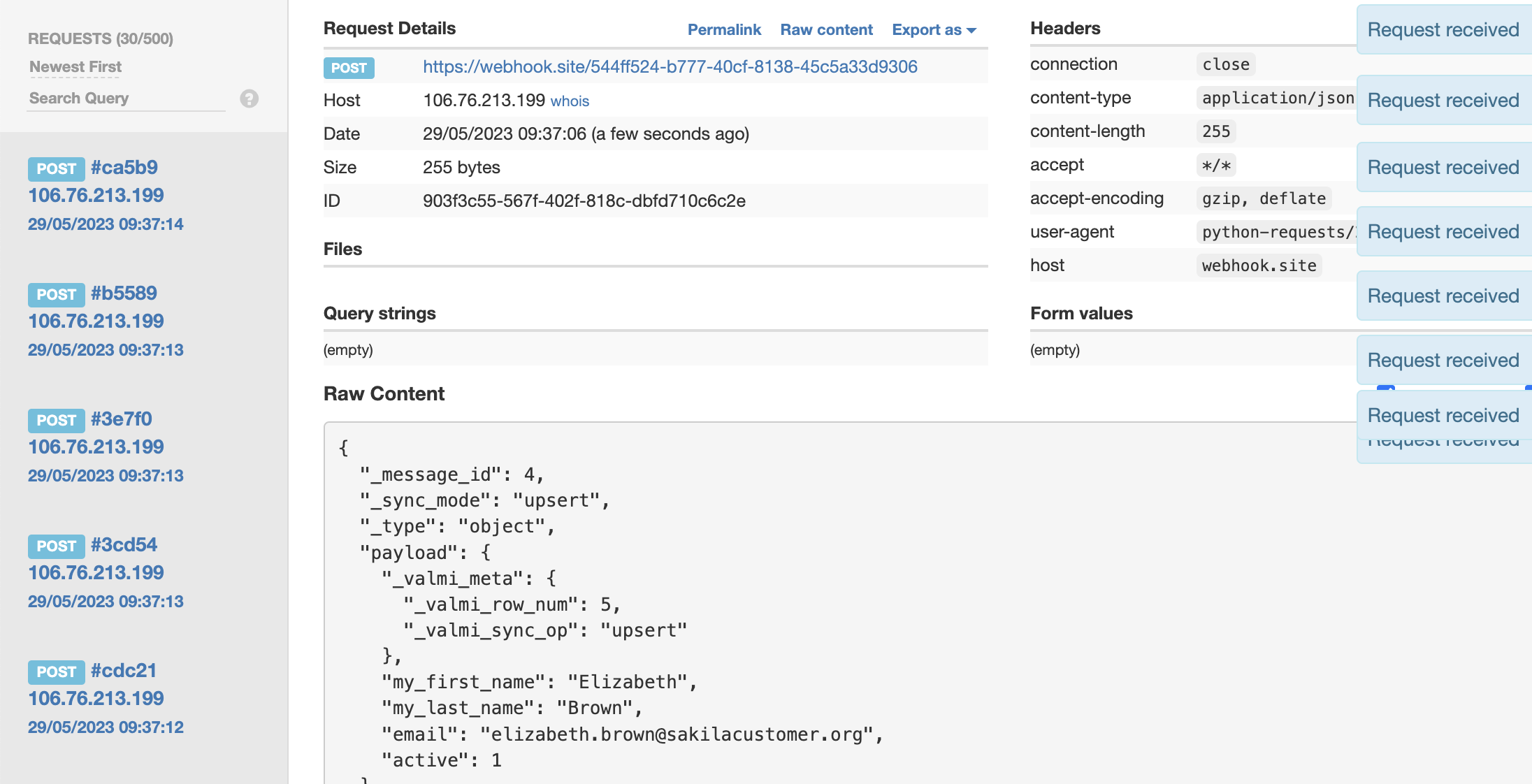
Keep a webhook ready to work with. It can be simply simulated with a Python HTTP server by runningpython -m http.server 8080. Alternatively, you can use an online webhook provider, such as Webhook Site. These providers may restrict the number of requests sent.
Creating a Webhook Connection on valmi.io
Go to destinations on valmi.io and create a new destination. SelectWebhook as the destination.
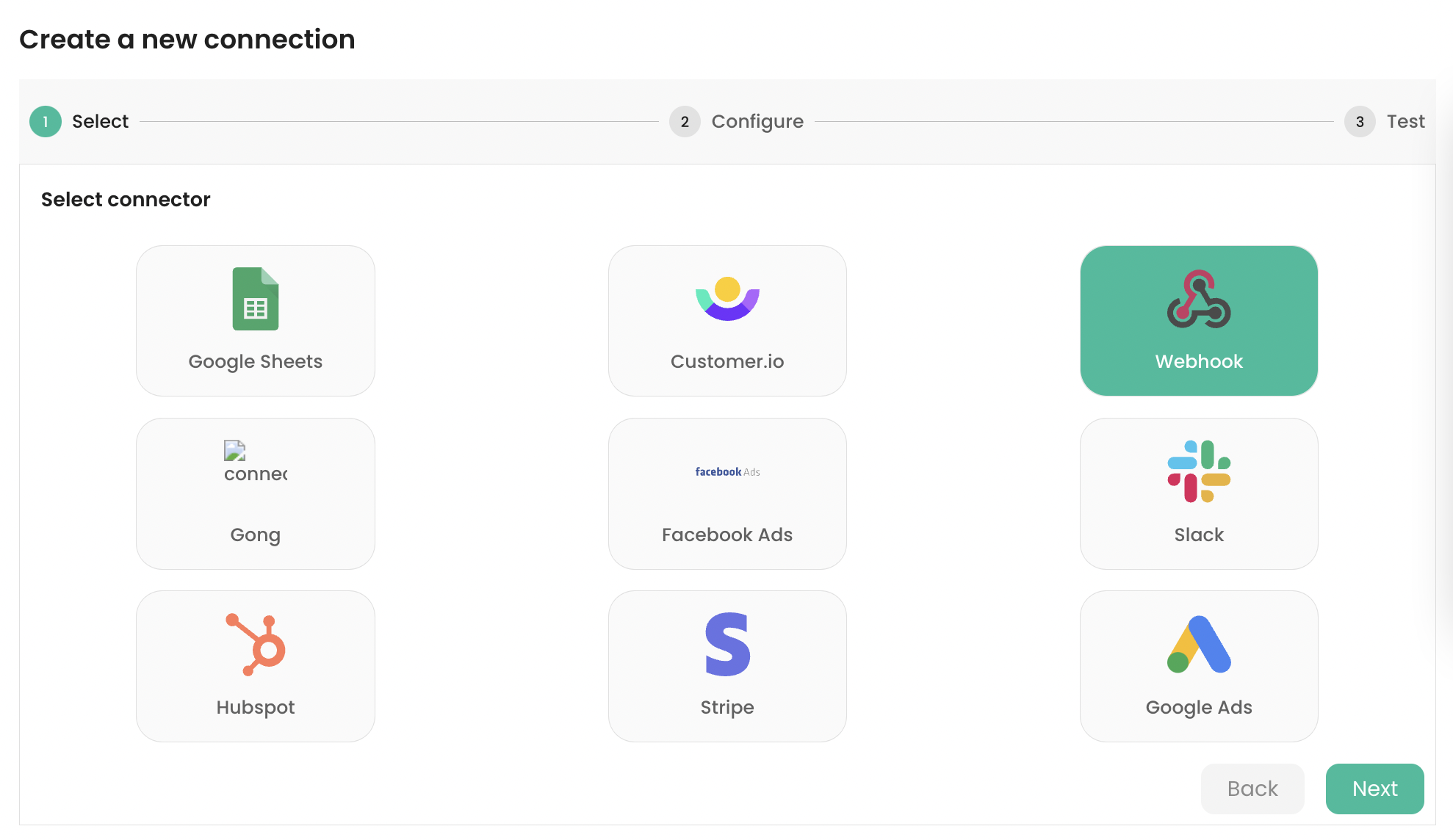
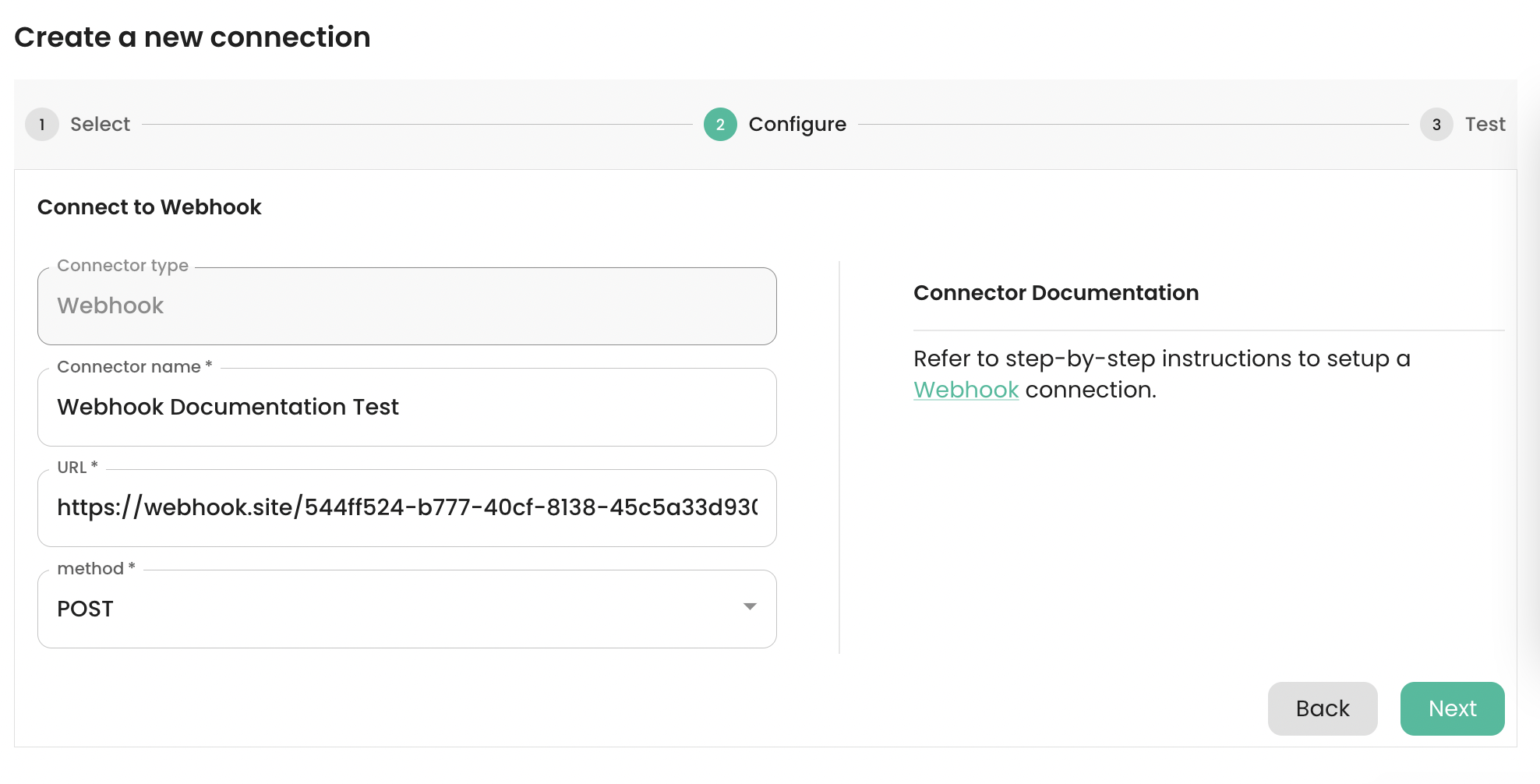
POST or GET depending on the HTTP method supported by the webhook provider. Click on the Next button to connect to the webhook, test the connection, and create it.
Setting up a Sync
-
Supported Destination Modes
| Destination Mode | Supported |
|---|---|
| Upsert | ✅ |
| Mirror | ✅ |
| Append | ✅ |
| Create | ✅ |
| Delete | ✅ |
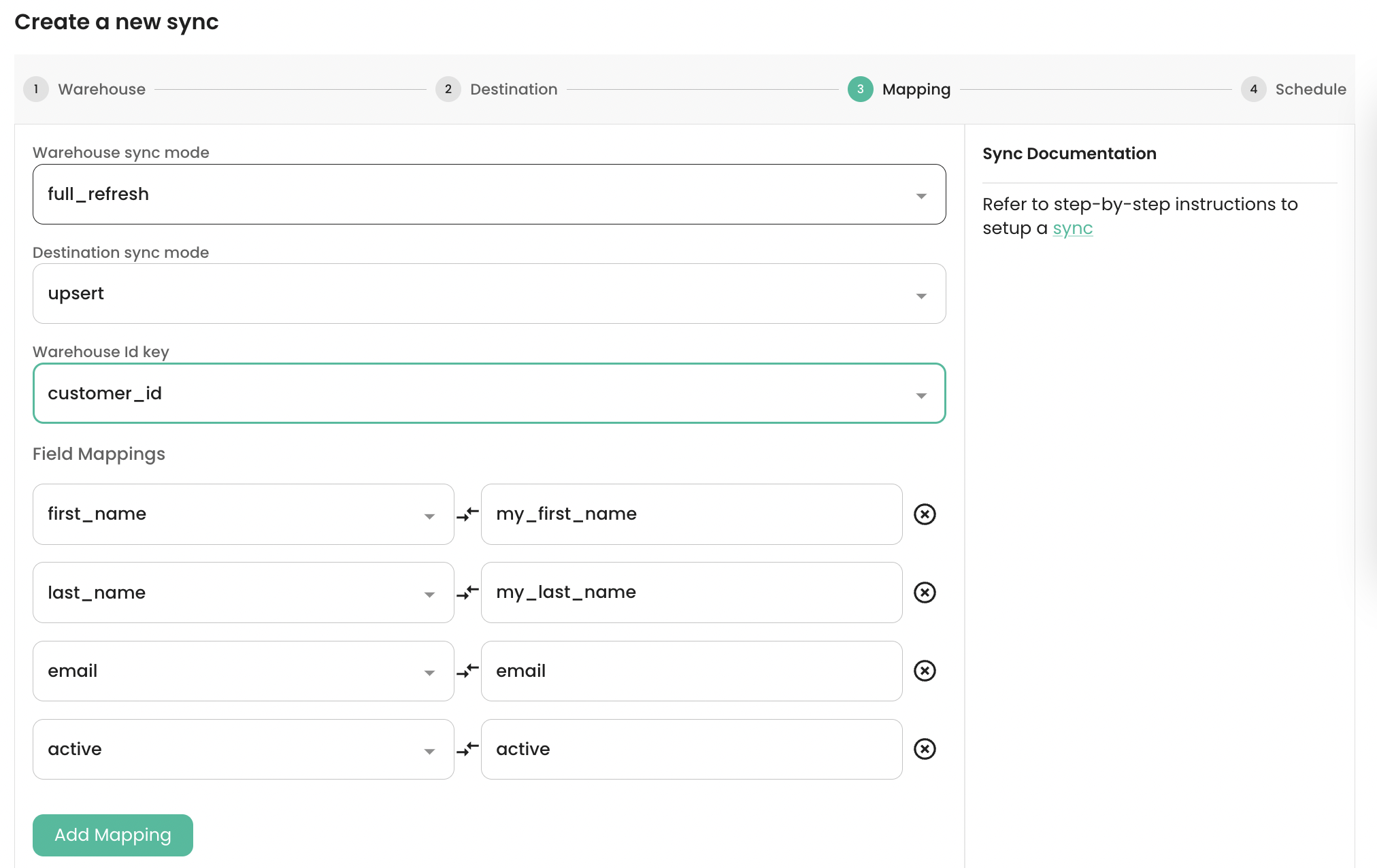
Upsert destination sync mode. customer_id has been selected as the Primary Key for the Warehouse source. The source fields first_name, last_name, email, active have been mapped to the destination fields my_first_name, my_last_name, email, active respectively.
-
Payload format for
POST
_valmi_meta that describes the action _valmi_sync_op that can be be performed in the webhook server. Additionally, _valmi_row_num shows the row number of the source data, starting with index 1.
-
Payload format for
GET
GET method flattens out the above json payload as request parameters. Below is the GET version of the http callback.
"GET /?_valmi_meta__valmi_row_num=347&_valmi_meta__valmi_sync_op=upsert&my_first_name=Ryan&my_last_name=Salisbury&email=ryan.salisbury%40sakilacustomer.org&active=1&_message_id=346&_sync_mode=upsert HTTP/1.1"
-
Verifying loaded data on the Webhook
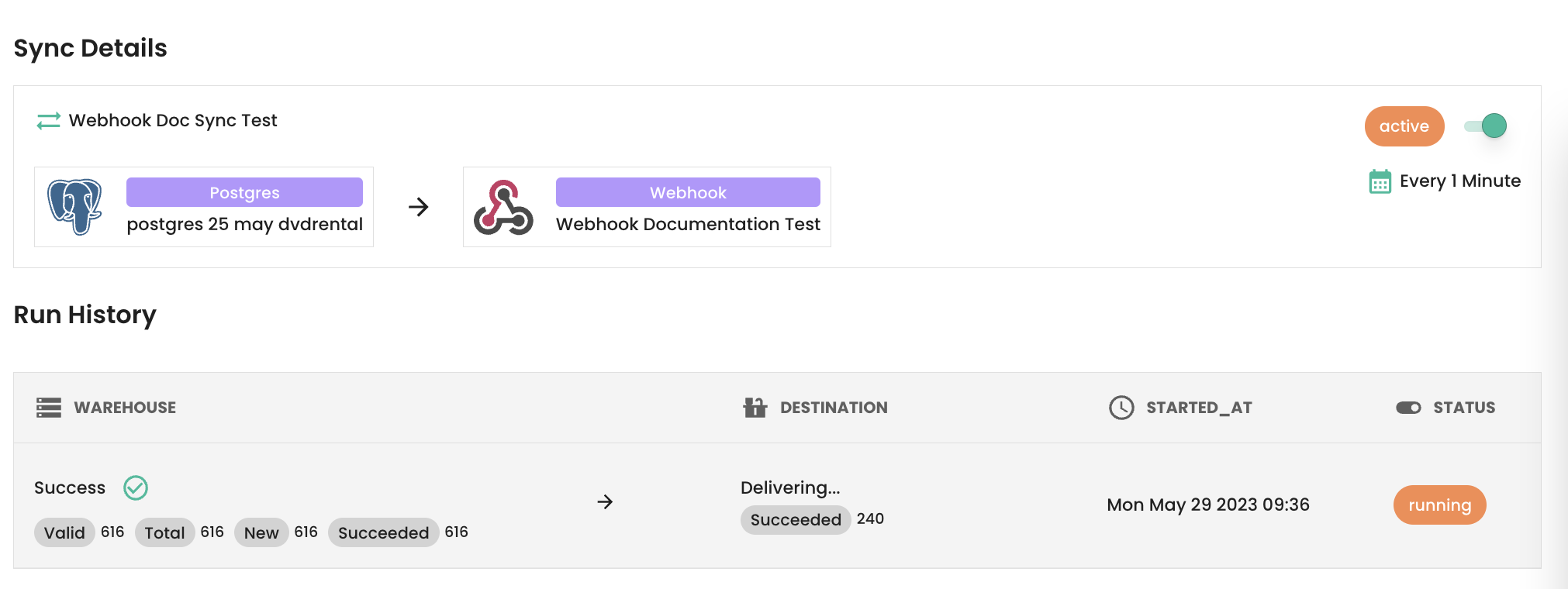
POST method, the JSON payload of the http callbacks is as described above.